
What is SEO Localization?
If your Shopify store is published in more than one language, multi-language SEO saves your search appearance in each of them. When Seokai saves an item's page title, meta description and focus keyword, it translates them into every published language besides your primary one and saves the translations in Shopify. Translations don't use credits.
Translation happens when an item is saved. Items you saved before turning this on are translated the next time they are saved.
How to Enable
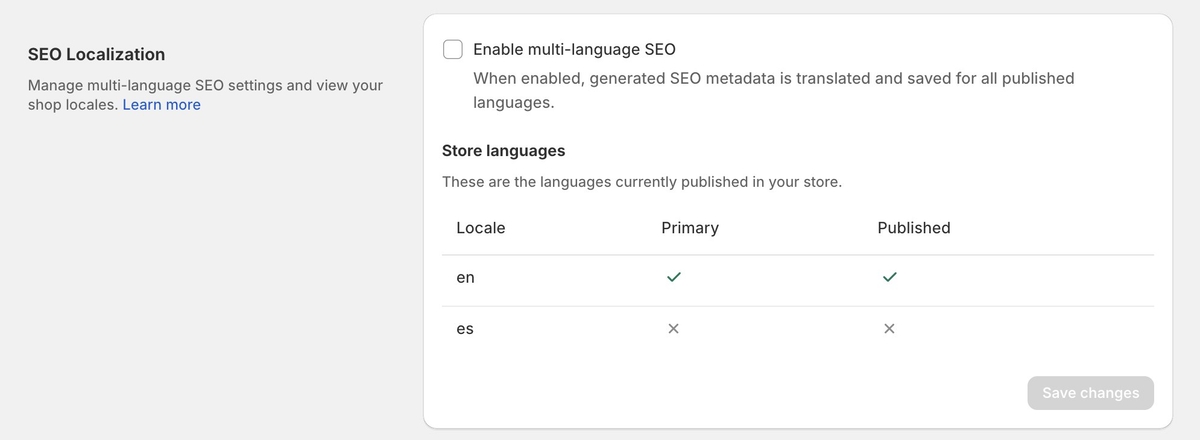
Open Settings from the Seokai menu and scroll to SEO Localization. Tick Enable multi-language SEO and click Save changes.
The Store languages table lists each language in your store and shows which one is primary and which are published. Only published languages get translations. To add or publish a language, use Settings, then Languages, in Shopify admin.
Plan Requirements
Multi-language SEO is available on Scale and Enterprise plans. This is separate from the language of the Seokai app itself, which you can switch on any plan from the language menu at the bottom of each page.