Internal Linking Is Cheap Until You Have 500 Products
Pick a product from your catalog at random. Not a bestseller. Something from the middle of the alphabet. Now count how many pages on your store link to it.
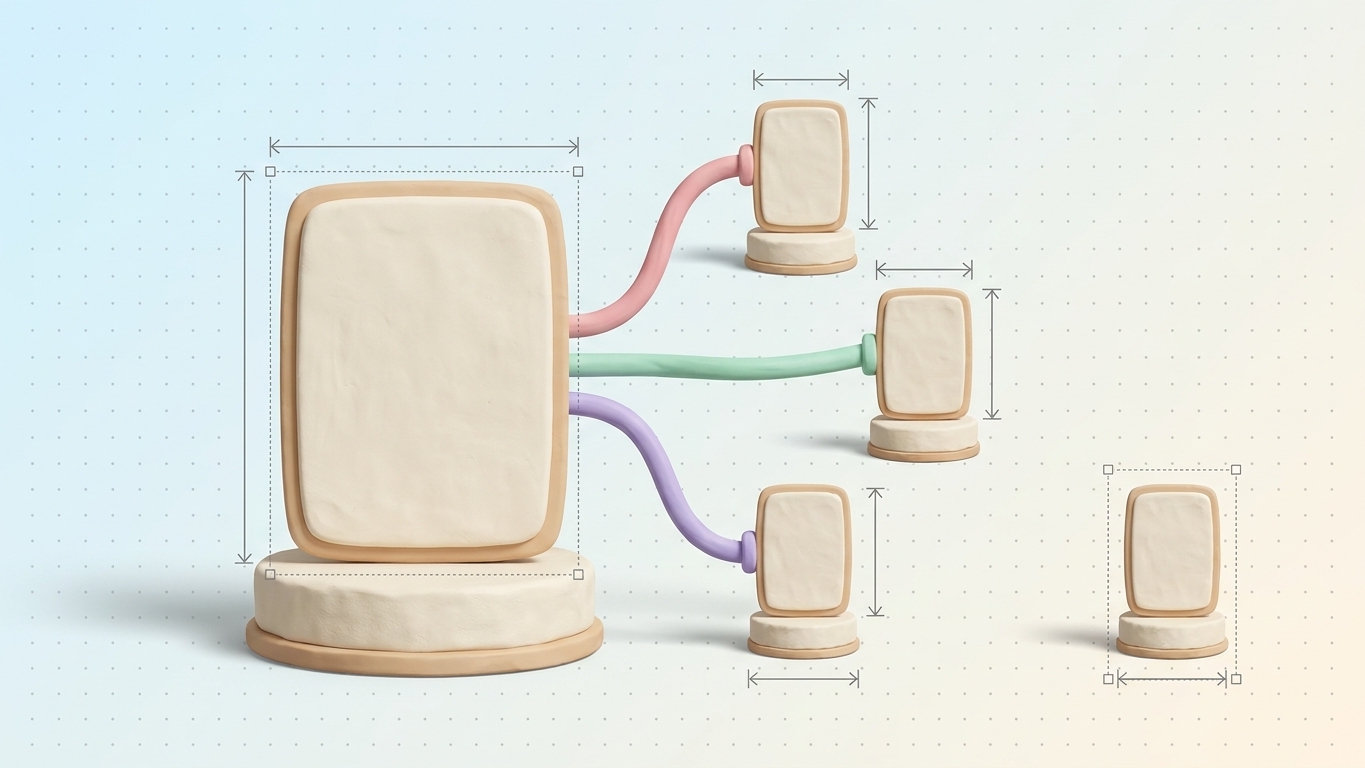
Past a few hundred SKUs the answer is usually one: a tile in a collection grid, somewhere around page 9, sitting next to forty-seven products it has nothing to do with. No blog post mentions it. No collection description names it, and no other product page points at it. That single tile is the entire case your store makes for that page.
That isn't a copywriting problem; somebody probably wrote a perfectly decent description. It's a structural problem, and it's the on-site lever most stores never pull, because it's the only one with no obvious place to start and no moment where you get to say you're done. If you want the mechanics first, we covered the basics separately. This piece is about what happens to those basics at five hundred products.
Links are how a crawler decides what matters
Google is unusually plain about this in its own ecommerce documentation: "The more links a page has to it within a site, the higher the relative importance of the page to other pages on your site." The same document tells you to build the chain on purpose, from menus to category pages, category pages to sub-categories, sub-categories to every product.
John Mueller put it more bluntly in a 2022 office-hours session, as reported by Search Engine Journal: internal linking is "super critical for SEO," and "one of the biggest things that you can do on a website."
The catch on Shopify is that almost every internal link you have was generated by a template, and templates treat all products identically. Your nav links to every collection. Every collection grid links to every product in it. Every product page links back up. A complete graph, and a perfectly flat one. It says nothing about which of your 800 products deserves to rank, because it says exactly the same thing about all 800.
Editorial links are the only ones carrying information. They're also the only ones nobody generates for you.
A link that only exists after JavaScript isn't a link to an AI crawler
Google can only follow a link that is an anchor element with an href. Googlebot renders JavaScript, so it will often catch links that get injected after load. The crawlers feeding AI assistants will not.
Vercel measured this across its network and found GPTBot fetching JavaScript files in 11.50% of requests and ClaudeBot in 23.84%, while neither executed any of it. They read the HTML that came back in the initial response and nothing else.
Now look at where a lot of Shopify stores keep their only editorial-feeling internal links: the "You may also like" block. Shopify's own product recommendations API documents the pattern as a client-side fetch. The theme requests the recommendations endpoint with a section_id after the page loads, gets rendered HTML back, and inserts it.
View source on one of your product pages and search for a recommended product's handle. If it isn't in the raw HTML, then as far as every assistant deciding which pages it can answer from is concerned, those recommendations aren't there.
The work doesn't scale the way you want it to
Five hundred products, three contextual links each, is 1,500 decisions. Every one of them needs a destination, a phrase, and a judgment call about whether the sentence still reads properly afterward. There is no Tuesday afternoon where you finish that.
So people reach for a tool. The two halves of that decision break in completely different ways, and most tools only handle one of them.
An anchor has to be words that are already on the page
You cannot turn a phrase into a link if the phrase isn't there. Too obvious to say out loud, and the single most common reason internal link suggestions go unused.
Most suggestion tools work from the destination. They look at your boots collection, decide "merino wool base layer" would be a good descriptive anchor for it, and hand you that phrase. Then you open the source product page and the copy says "midweight wool layer for cold mornings." There is nothing to wrap. The suggestion described a link that could exist in a hypothetical version of your copy, not this one.
At that point you have two options and one of them is bad. You can rewrite the sentence so it contains the phrase, which means your product copy is now being shaped to accommodate a link instead of a shopper. Do that forty times and your descriptions start reading like they were assembled for a machine, because they were. Or you skip it. Which is how a list of 40 suggestions becomes 6 applied links and a quiet decision to stop opening the tool.
Suggestions that survive contact with a real store have to run the other direction. Start from the phrases the page already contains, then ask which of those has a destination worth pointing at. It's a smaller candidate set and a far better one, because every candidate in it is applicable by construction.
Finding the phrase in real HTML is harder than it sounds
Even when the phrase is there, matching it is not find-and-replace.
Descriptions written in Shopify's rich text editor are HTML, and merchants bold things. The phrase you read on screen as "merino wool base layer" might sit in the stored markup as the word merino, then a strong tag opening around wool, then a non-breaking-space entity where you assumed an ordinary space, then the rest. A matcher comparing against the raw source string reports no match on a page that visibly contains the phrase.
The opposite failure is worse. A matcher that strips all the tags and searches the flattened text will happily land inside an image alt attribute, or inside an existing link, and write markup that is either invisible or invalid. Browsers don't handle nested anchors gracefully.
What actually works is matching against the rendered text while keeping a map back to positions in the source, so you insert around inline tags rather than through them, plus hard exclusions for attribute values and existing anchor ranges. Nobody puts that on a feature page. It's the whole difference between a suggestion you apply in one click and a suggestion that damages a description.
Relevance is semantic, not lexical
The third thing most internal linking advice gets wrong is choosing the destination by keyword overlap.
Overlap fails in both directions at once. It links far too much wherever a phrase repeats, so every page containing the word "wool" ends up pointing at the wool collection, and 200 identical anchors read as spam to a shopper and as noise to a crawler. It also misses the links you want most. A snowboard boot product page and your boots collection can share no exact phrase at all. One talks about flex rating and heel hold, the other talks about finding your size. Any human can see they belong together. A string comparison never will.
Comparing what two pages mean, rather than which words they happen to share, gets you targets a merchant recognizes as correct. The source page's existing copy then decides which words get wrapped. Two different problems solved two different ways. Tools that solve one and present it as both are why internal linking has a reputation for producing garbage.
Rules that keep the copy readable
Not many. Hold them anyway.
- Cap it. Two to four contextual links inside a product description, more on a long collection page or a blog post. Past that you're building a link farm inside your own store.
- The sentence has to read the same with the link removed. If deleting the anchor breaks the grammar or the meaning, you wrote that sentence for the link.
- Never rewrite copy to create a slot. If the phrase isn't there, the link isn't there. Move on.
- One anchor phrase, one destination, per page. Two identical anchors pointing at different pages is a signal you don't want to send.
- Write descriptive anchors. Google's wording: "Good anchor text is descriptive, reasonably concise, and relevant to the page that it's on and to the page it links to." "Click here" tells a crawler nothing, and neither does an anchor stuffed with every variant you'd like to rank for.
- Link to the clean product URL. Shopify's within filter produces collection-scoped paths like /collections/sale/products/x, which a stock theme's canonical tag points back to the plain /products/x anyway. The scoped path is a second address for a page you already have, kept alive mostly by your own links.
Where to start on Monday
Two passes, in this order.
Find the pages nothing points at. Crawl your own store and sort by internal inlinks; Screaming Frog's free tier covers 500 URLs, which is short of most catalogs and still enough to learn something. Anything sitting at one or two inlinks is a page you're publishing but not endorsing.
Then go the other way. Take the ten pages you most want to rank and count what points at them. If the answer is "the nav," those pages aren't being endorsed either. They're being listed.
After that it's a habit, not a project. Every new blog post links out to three existing pages before it ships. Every new collection gets named in the descriptions of the few products most likely to already mention it.
Seokai does this pass automatically. It picks targets by comparing what pages mean, and it only proposes anchors quoted word for word from copy the source page already has, so the suggestion list and the applicable list are the same list.
Go back to the product you picked at random. One tile, page 9. Give it three links a person would plausibly have written, and you've changed what your store says about that page. Do it four hundred more times and you've done the work. There's no shortcut. There's a shorter list of decisions, and you get it by throwing out every suggestion that was never applicable in the first place.
Share this Story