Shopify Internal Linking: A Beginner's Guide to Boosting Rankings

Internal linking might be the most overlooked lever in Shopify SEO, and it's one you control entirely. No outreach, no waiting on other sites, no luck involved. These are just the links between your own pages, and when you place them well, they do three useful jobs at once: they show search engines how your site fits together, they push ranking strength toward the pages that earn money, and they nudge shoppers toward products they'd actually buy. Here's how it works and how to build a strategy that pays off.
Why internal links matter
Search engines crawl by following links, so links are how pages get discovered in the first place. When a strong page links to another page on your site, it passes along a share of its authority, the thing SEOs call link equity. The pattern of your links also signals importance: the pages you link to often, and prominently, read as the ones you care about. And practically, links are how Google reaches products buried four levels deep in a big catalog. For the human side, good linking just means fewer dead ends and a cleaner path to checkout.
Start by mapping the structure
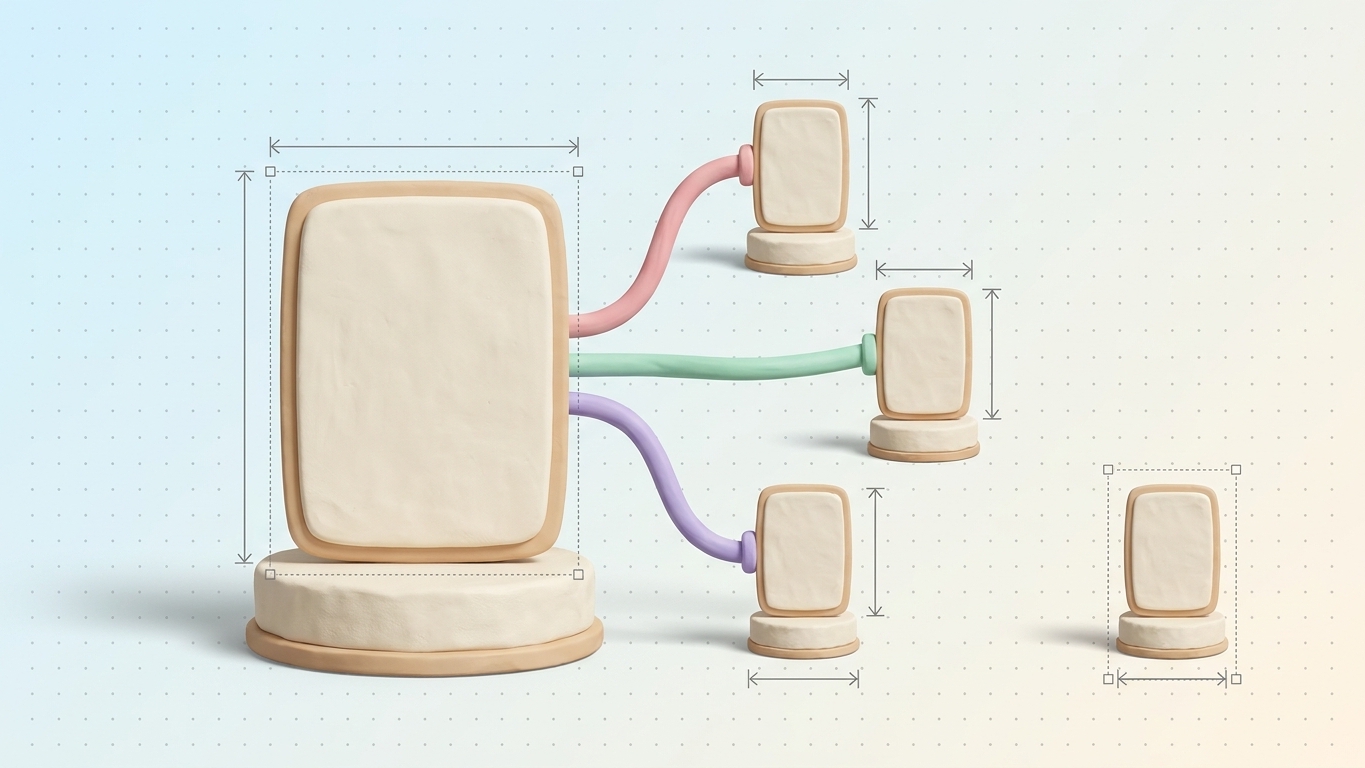
Don't add a single link until you understand your hierarchy. A healthy Shopify store generally flows homepage to collections to products, with blog content feeding into all of it. Try to keep the pages you care about within two or three clicks of the homepage. The shallower a page sits, the easier it is for a crawler and a shopper to ever reach it.
Find your money pages, and your orphans
Two groups of pages deserve your attention. First, your money pages: the collections and products that actually bring in revenue. These should pull in plenty of internal links so authority piles up where it counts. Second, orphan pages: pages nothing links to. Orphans are nearly invisible to Google because there's no path leading to them. Write down both lists, then plan your links to serve them.
- Link new blog posts to the collections and products they actually mention.
- Connect related products to each other so a browsing shopper keeps clicking.
- Run links from your high-traffic pages into the ones you're trying to push up the rankings.
Make your anchor text say something
Anchor text is the clickable part of a link, and it tells Google what's on the other end. "Click here" tells it nothing. "Organic cotton t-shirts" tells it exactly what the destination is about. Write anchors that read naturally and describe the target page, and vary the wording so your links don't all sound stamped from the same template.
Where to drop links on a Shopify store
A few spots feel natural rather than forced:
- Inside product descriptions, pointing to complementary items or a relevant buying guide.
- Within blog posts, sending readers to the collections and products you're writing about.
- In collection descriptions, guiding shoppers toward subcategories or a featured product.
- In navigation and footer menus, reserved for your most important evergreen pages.
The mistakes worth dodging
Restraint helps here. Stuffing a dozen links into one paragraph waters down every one of them and irritates the reader. Don't link to redirected or broken URLs, since that burns crawl budget for nothing. And keep the connection real: a link only helps when the two pages are genuinely related. Context and relevance beat raw quantity, always.
Pulling it together
A deliberate linking strategy strengthens the whole store, but spotting the right pairs to connect across a few hundred pages is genuinely hard to do by eye. On its higher tiers, Seokai surfaces internal-linking suggestions, flagging related pages worth connecting so authority flows toward your money pages and orphans stop being invisible. Start with your top revenue pages, write anchors that actually describe where they go, and let the suggestions take care of the long tail.
Share this Story